
Product tour
See the product your team will use
These screens come from the running application with demonstration data. No real candidate information is shown.
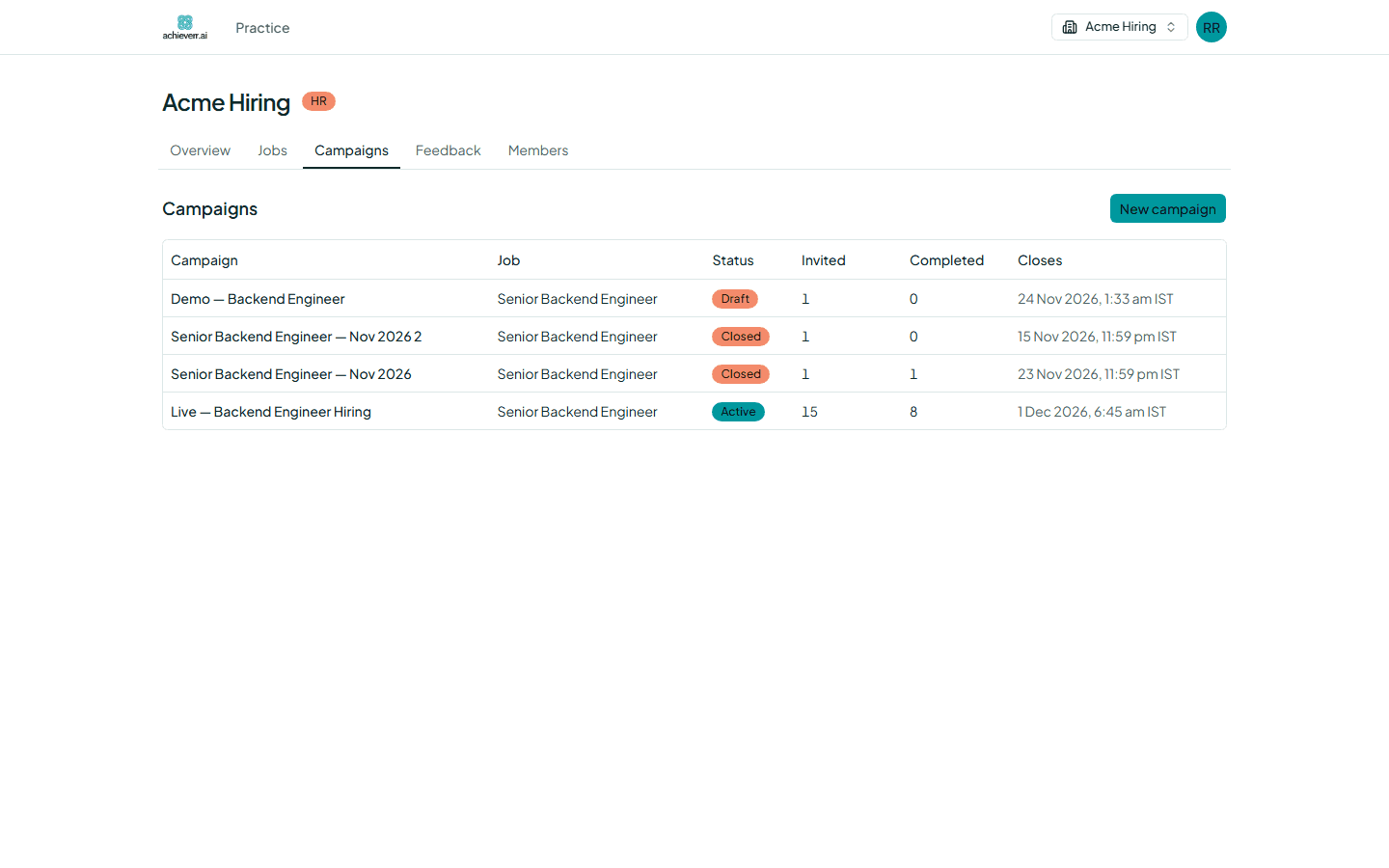
Campaign list
Every campaign for the organization in one place, with status and progress at a glance.
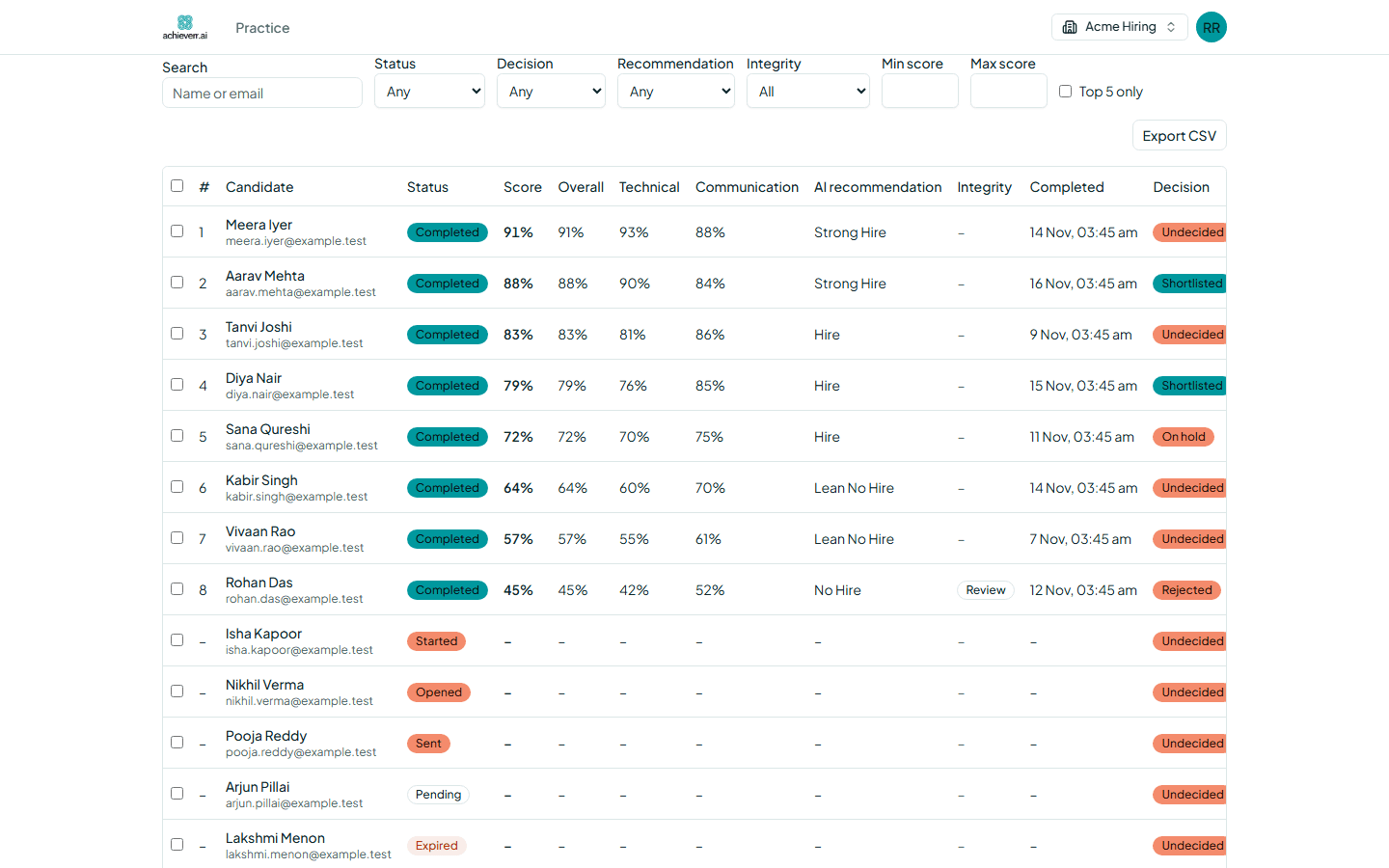
Candidate table
Candidates with their interview status, score and decision. Filter, sort and open any candidate.
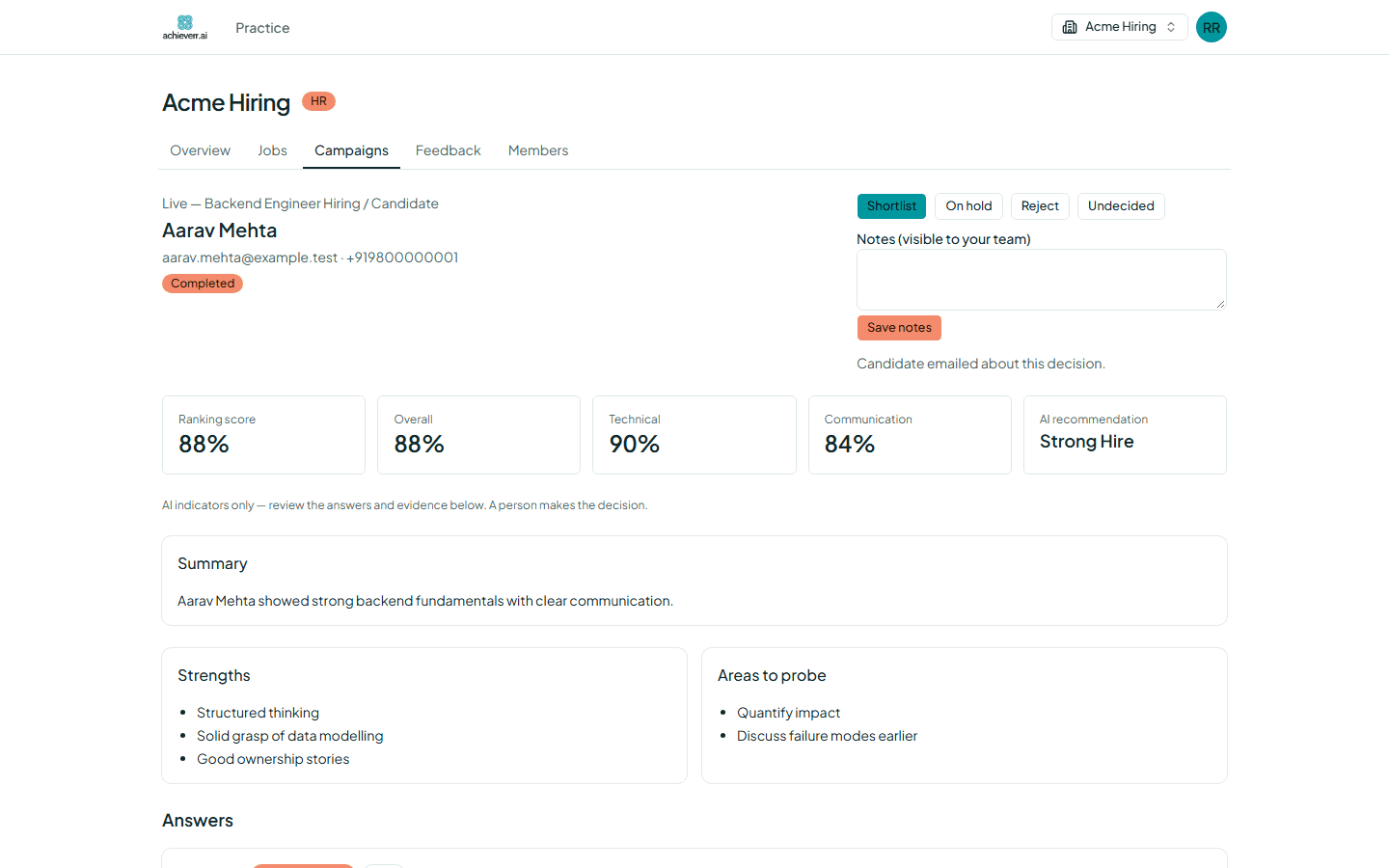
Candidate report
A scored report with the reasoning for each answer, so reviewers can check the evidence themselves.
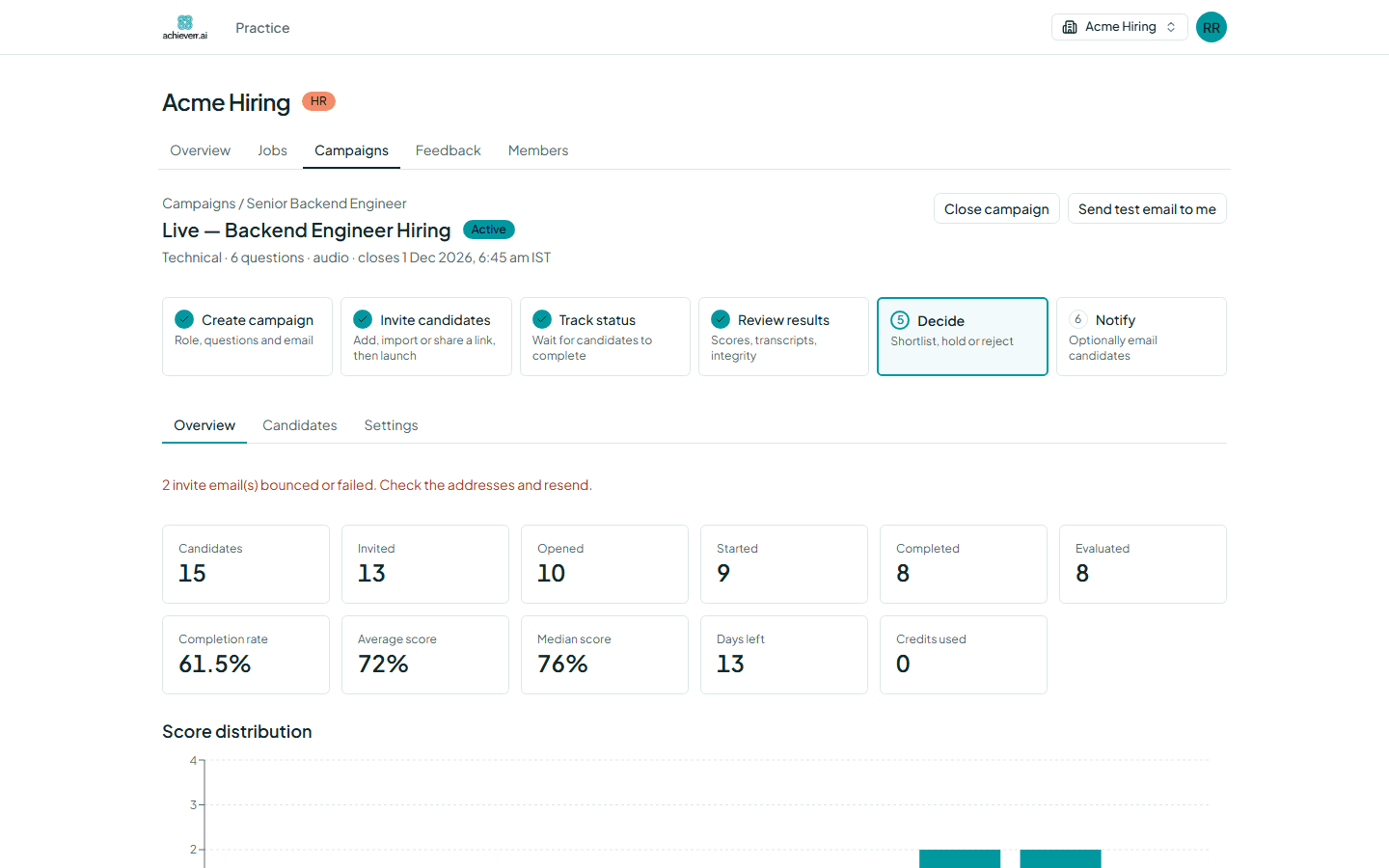
Campaign insights
Funnel, completion rate and score distribution for the campaign.
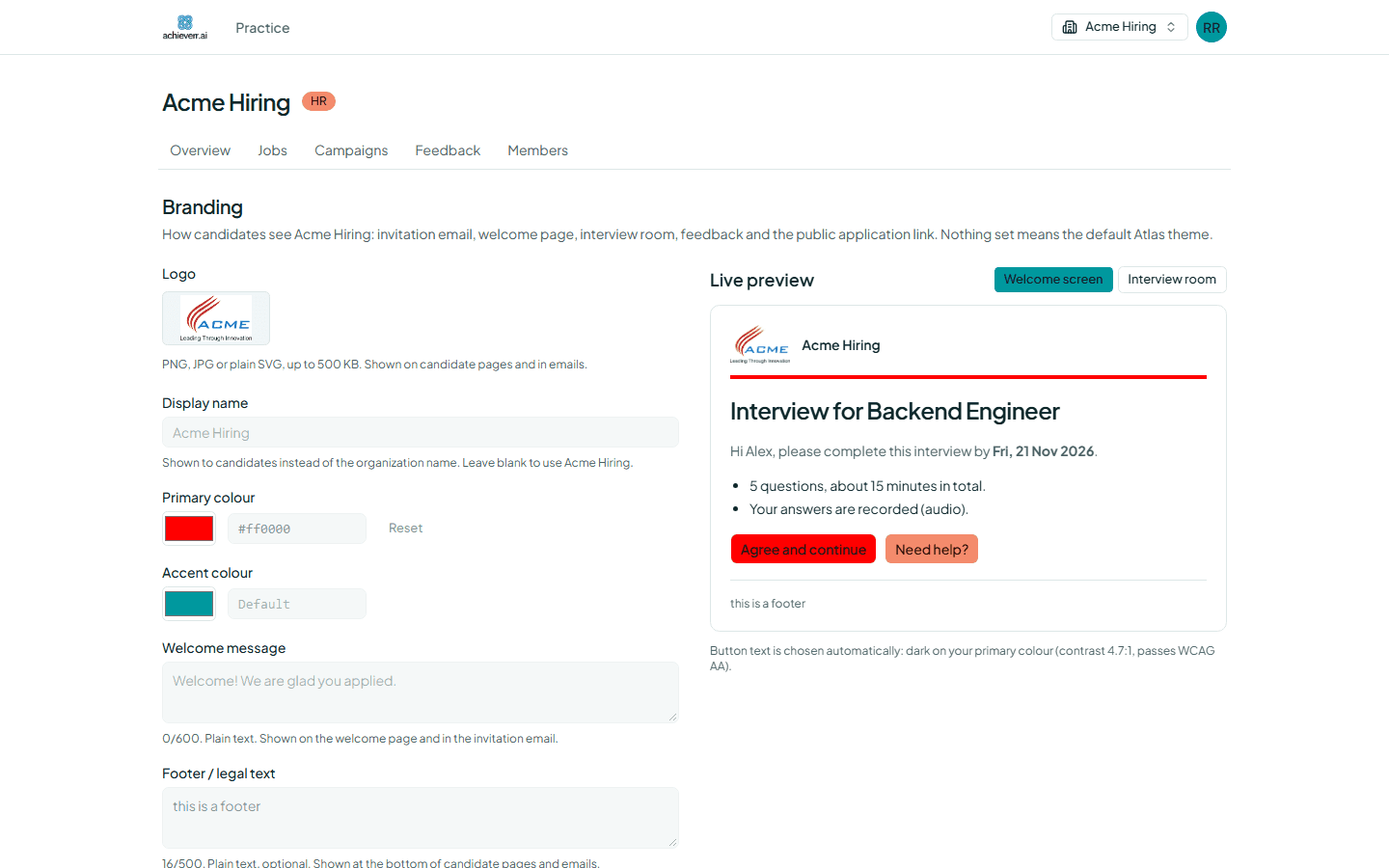
Branding settings with live preview
Set your name, colour and welcome message and see the candidate view update live.
Want to see it with your own roles?
Tell us about your hiring volume and we will set up access for your organization.